
This page contains frequently asked questions from Husky users. Do you have a question of your own? Please get in touch at info@huskytimelineplanner.com.
If you use Husky on its own, planning is free. With a Team subscription, you pay per user. However, users within a team can also be free. In Husky, we call them ‘readers’. A reader can view everything but cannot make any changes, although they can participate in discussions. Typical use: an external freelancer or an agency collaborating on the internal team’s planning.
We offer support and assistance in several areas when using Husky. During your free trial - but also during your subscription period - you can use the chat function in the application itself. You can then ask specific questions. Do you prefer personal support? Then book a demo with one of our employees or add training to your Husky subscription.
Yes, there is. The key integrations are SSO (Single Sign-On), a link to OneDrive/SharePoint and an integration with Outlook to exchange tasks between Husky and Microsoft. The link to OneDrive and SharePoint means that you can insert a link to a file on the Microsoft server anywhere in the Husky planning. The integration with Outlook means that the task schedule in Husky also appears in your Outlook calendar, and that your Outlook meetings are also visible in the Husky task calendar. For Enterprise customers, we also offer Single Sign-On via a Microsoft account, ensuring that logging in is done in the most secure and controlled manner.
There are 2 payment methods. The first is an immediate online payment by credit card. The second is via bank transfer. As soon as we receive your payment, you can start using the planner. You will receive the invoice automatically.
The standard duration of a Husky subscription is 12 months or one year. The basic price is calculated accordingly.
Husky's functionality is regularly extended, and you get immediate access to it without having to install anything: an important advantage of a cloud application. The roadmap will be filled with questions and feedback from customers, so let's be heard! With every important product update, an e-mailing is sent to all users with the details of the update. An overview of all performed product updates can be found under Release Notes on the website. We also communicate the product updates through our social media.
We offer help in different ways. You can get assistance or ask a question via the chat button in the application. Finally, you can always request an online demo if you prefer one-to-one assistance.
You can do that quickly and directly via the website. You can then immediately book an appointment in the agenda of one of our sales or support representatives. A demo is useful if you first want to see what Husky can do for your team while waiting for a free trial, if you want support during the subscription period or if you want to use more features in Husky.
Certainly. Within each subscription formula you have the possibility to order product training. The training is standard given online (via video conference). Corporate clients (large teams within an international context) can also have the training held in-company, provided that travel expenses are paid. Product training can be requested at any time during your subscription period via the account settings. It is particularly useful when you want to get started properly, when new team members join Husky or when you start using more features.
Gladly! During product development, we always take into account the questions and needs expressed by our Husky customers. So please feel free to use the chat button in the application to share your ideas for product improvements. Does an idea come up often? Then we will put it high on the roadmap. Thank you in advance for sharing your thoughts on how we can make Husky even more user friendly.
The quickest way to report a bug or error in the application is to use the chat button in the application itself. Can we reproduce the bug or error? If so, we will immediately go after the problem and try to fix it as soon as possible. We will then keep you informed of the progress of the correction.
Husky is a cloud application that runs in a secure https environment - and behind an individual login and password - so that the data you enter is always of a high standard of privacy. If you make sure your login details do not end up in the wrong hands, Husky is much safer than Excel, Word or Powerpoint documents that can be copied and forwarded just like that. For corporate customers we go even further. For them, the database is placed on a separate server, the history is kept in a logging server and all data is anonymised when used by our coders. Whatever subscription you take: we do everything to meet the high European standards in the field of data privacy and security.
Husky is a Belgian application that is hosted by a Belgian company (Hosted Power). Our servers and backup servers are located across Europe at data centres that apply the highest standards in terms of data privacy and security. We do not use Amazon Web Services.
You can upgrade your subscription to a higher subscription level or to more users at any time during your subscription period. You can do this through your account settings in Husky. You will then receive an invoice for the upgrade during the remaining subscription months. You can also downgrade your subscription, but this will only take effect when your subscription is renewed.
No. Four weeks before the renewal date (for a one-year subscription) you will receive a message that your subscription is about to expire. In this period you have the possibility to cancel your subscription in the application, upgrade to more users or downsize to fewer users. If you do nothing, your subscription will automatically change to a new subscription period. Always make sure to pay your invoice on time to avoid any interruption in your use of Husky.
Do you wish to cancel your subscription for any reason? You can do this up until one day before the renewal date. The administrator will see the remaining subscription period under "Subscription" when you log in. You can cancel your subscription via your account settings in Husky or via this form. In any case, you will continue to have full access until the renewal date.
If you decide not to renew your subscription, we will deactivate your account. But that does not mean that your data will disappear immediately. We will store your account for another 12 months in a 'Read only' mode so that you can still access the data with your e-mail and password. Do you renew your subscription during this period? Then you can start working again immediately.
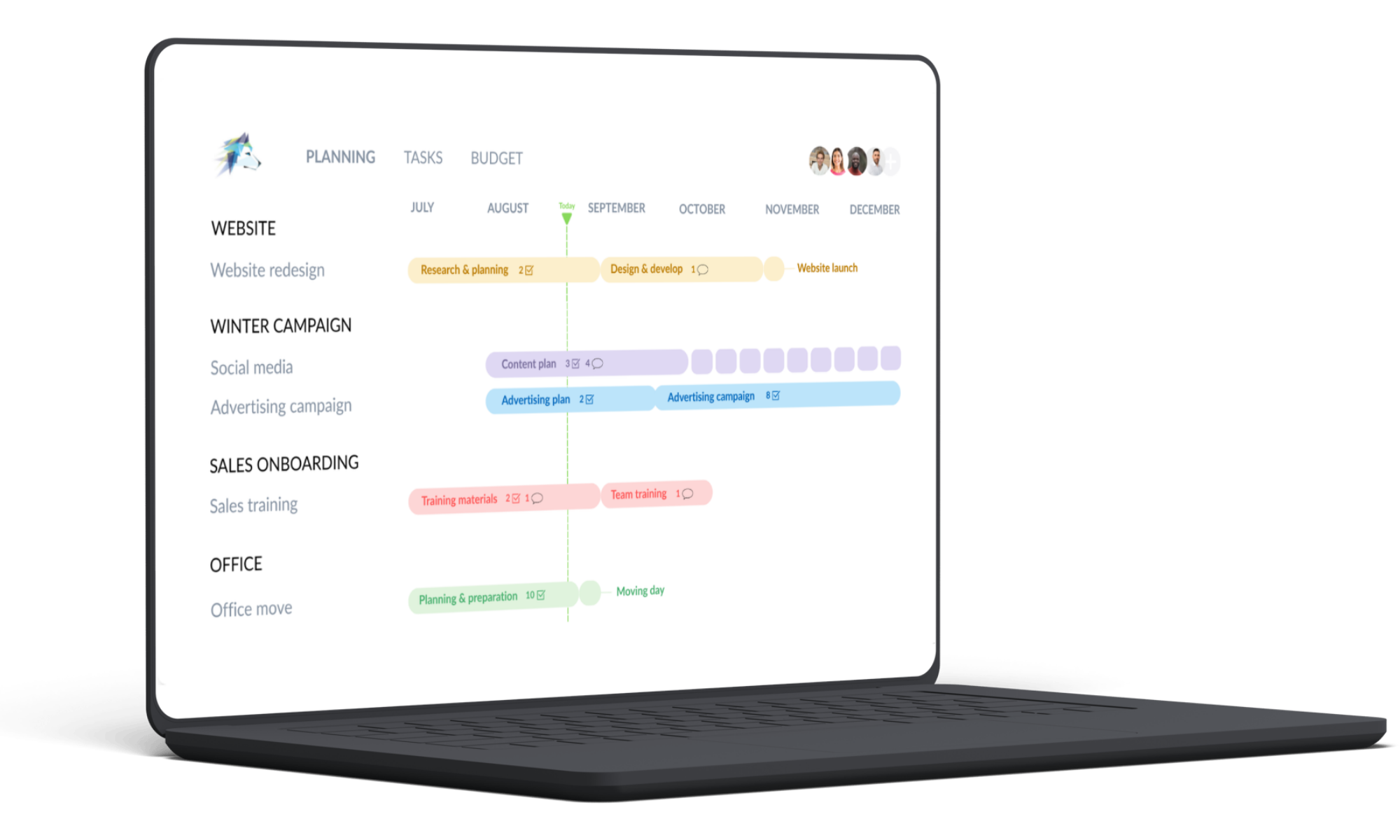
The timeline planner for every project.
© 2026
BE0663.992.516
General conditions, cookies and privacy
